Blog
When optimization gets practical
Customer stories, technical guides, and deep dives into 3D content optimization pipelines.
Categories
Tags
Search results
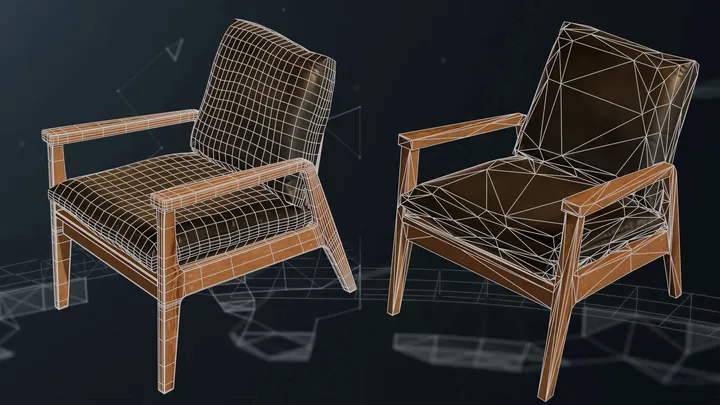
Load additional texture channels into a Simplygon scene
In this blog post, we will showcase how to load textures into additional material channels in a file. This is useful if you are using material channels not defined in a standard file format (like FBX).
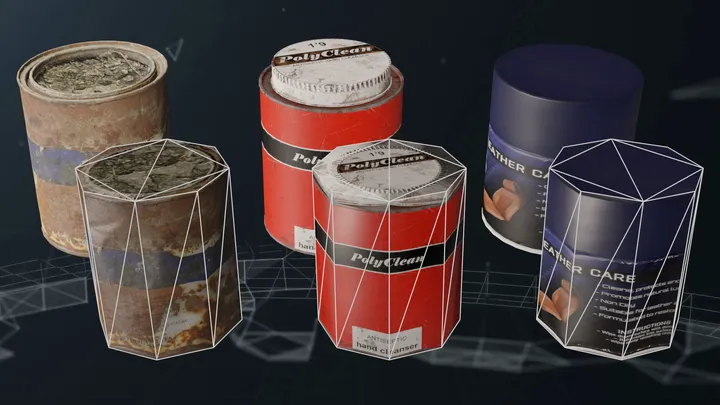
Reuse proxy models with surface mapper
In this blog we'll showcase how the surface mapper enables reusing the same model as LOD levels for multiple models with different topology. It also showcase how you can bake materials to an self supplied proxy model.
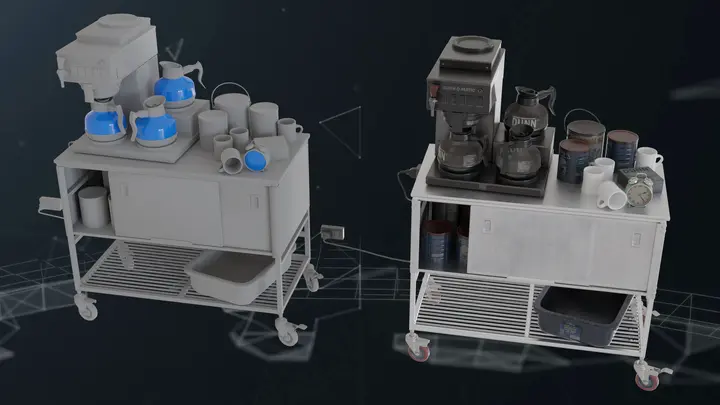
Aggregation with multiple output materials
In this blog we'll showcase how to use a mapping image with multiple output materials. This enables you to perform material merging on an asset with both opaque and transparent materials.
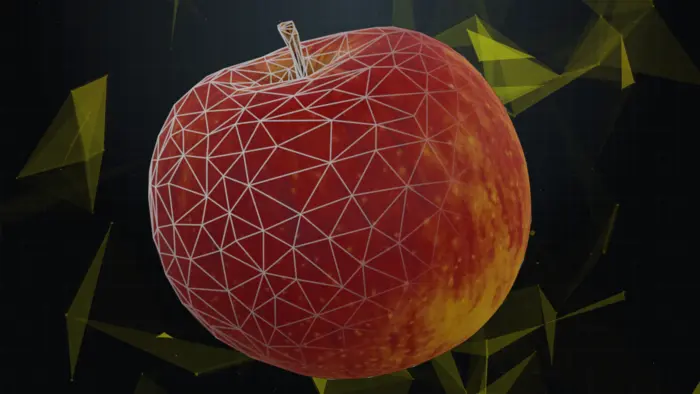
Bake vertex colors into textures
In this blog we'll look at how to bake vertex colors into textures. Use case for this is certain phot scanned assets where color data is saved into vertex colors. We'll look at how to do this with both the remesher and aggregator pipeline. We'll also cover how to create a shading network for vertex colored materials as well as how to remove vertex colors from model post processing.
Troubleshooting gamma issues
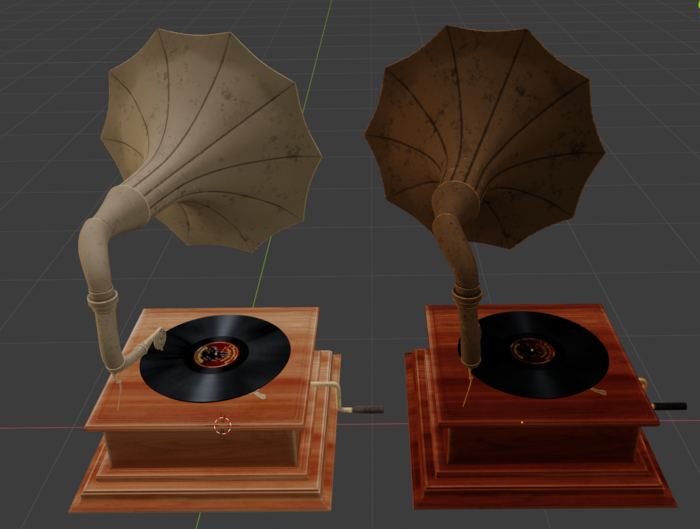
If you have processed assets in Simplygon and the output had another color shade, then this post is for you. In this post we'll go through how to detect and solve gamma issues.
Bake decals into surfaces
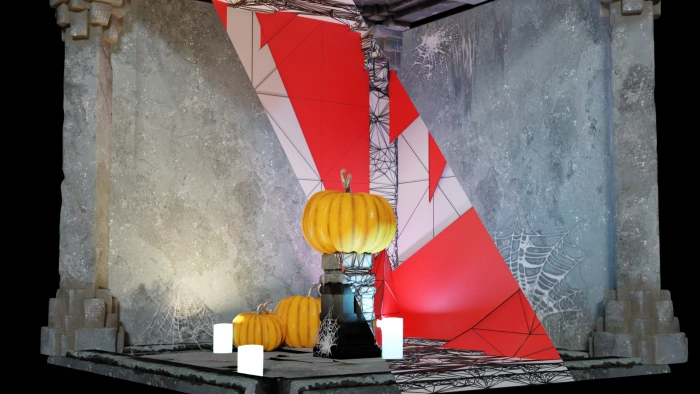
In this spooky blog post we will optimize away spider web decals from a scene. While it might seem unfitting given the release date of this post it is a well-known fact that most of the spider webs being displayed are not real and just for decoration.
Bake textures into vertex colors
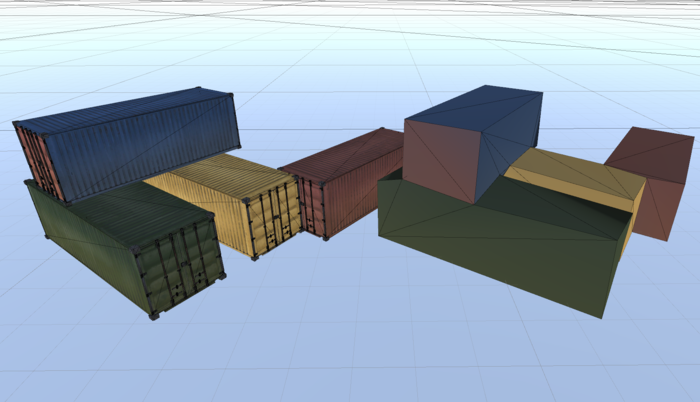
In this post we are going to bake textures into vertex colors. This is useful for LODs which are really far away, where we just want some color. In order to do this, we need to disable sRBG on all texture nodes in the scene. So we'll cover how to traverse shader network as well.
Bake material data into textures for Unity physics meshes
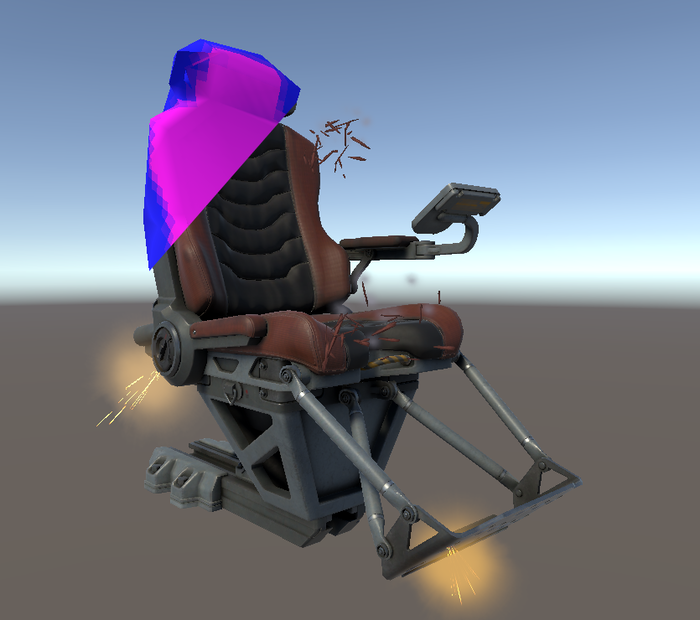
Physics meshes are used in almost every 3d game. It is also very common that we want to know the different materials of the physics object for spawning certain impact effects. In this post will showcase how to optimize a physics mesh and keep material data in Unity as a texture.
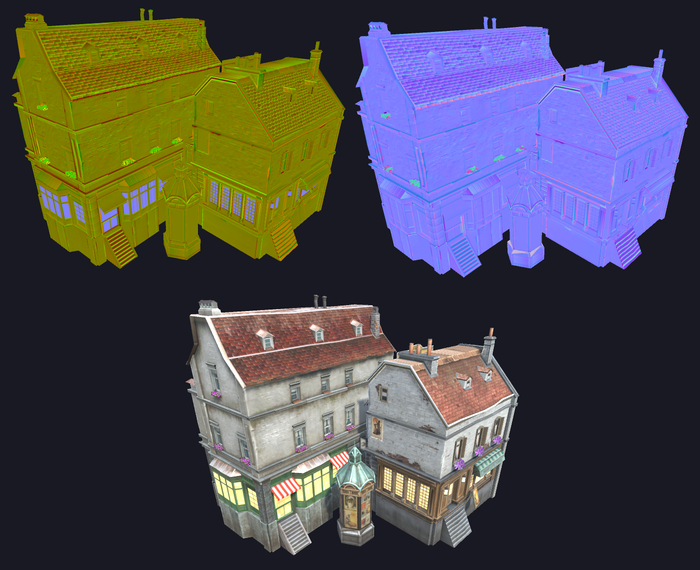
Use shading network to recreate normal maps
This example show how you can use shading networks to recreate a normal map that had it's blue channel removed.
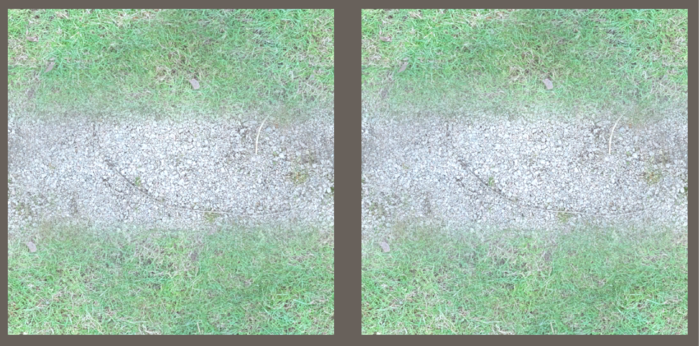
Using custom shaders in Unity
In this example we'll show how you can use material casting with a shading network to optimize a custom shader.

Creating a physics mesh with Simplygon
When creating physics meshes, it's typically a good idea to optimize the original heavily, to make calculations cheaper. You would also want to keep material information in the optimized object, in order to spawn appropriate effects, play correct sounds etc. Combining the vertex color caster and remeshing is a great starting point to achieve super-simple geometry that checks the boxes for good physics meshes.
No posts match your filters
Try a different keyword, or clear the active filters to see every post.