Blog
When optimization gets practical
Customer stories, technical guides, and deep dives into 3D content optimization pipelines.
Categories
Tags
Search results
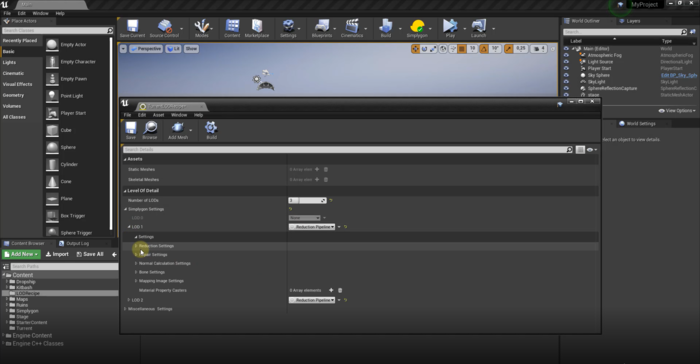
Introducing our new Unreal Engine plugin
With the release of 9.1 we are introducing a brand new plugin for Unreal Engine users. The plugin provides most of the functionality from our previous integration in a new and easier to integrate experince.

What's new in Simplygon 9.1
In this article we are walking you through the Simplygon 9.1 updates, ranging from easier Simplygon integration work in Unreal Engine 4 with a new standalone Simplygon UE4 plugin to new impostor processor for vegetation optimization as one of the use cases.
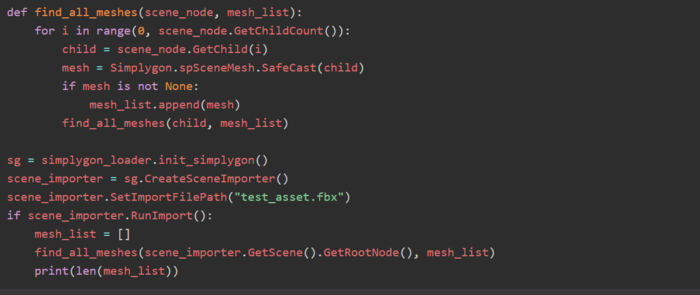
Working with Simplygon objects in Python
The Simplygon Python and C# APIs are wrappers around the core C++ library that contains all the algorithms and tools. This means that the ways of working with the API is inherited from the C++ library. Both in Python and C# there are some things that might seem odd at first, and this post will shed some light on these things.

Creating a physics mesh with Simplygon
When creating physics meshes, it's typically a good idea to optimize the original heavily, to make calculations cheaper. You would also want to keep material information in the optimized object, in order to spawn appropriate effects, play correct sounds etc. Combining the vertex color caster and remeshing is a great starting point to achieve super-simple geometry that checks the boxes for good physics meshes.
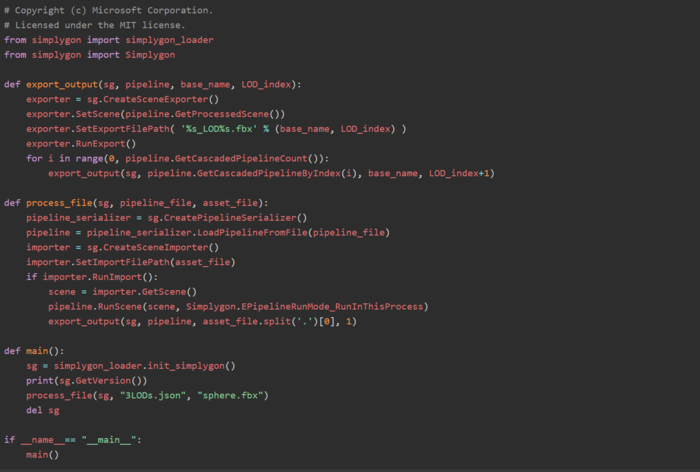
Running cascaded pipelines in script
Many scripted Simplygon workflows starts with a pipeline that is exported from one of our integrations. In this post will give you a very straight forward step by step on how to create a scripted optimization with cascaded pipelines.

Customer story: Simplygon saves time, improves visual quality and performance for Forza Motorsport 7
At Turn 10, hitting our visual and performance goals of a rock solid 60fps at native resolution on Xbox requires us to author highly optimized assets with multiple levels-of-detail (LOD). Manually creating LOD’s could take up to 30% of our individual asset creation time. We looked to Simplygon to help us find a solution that would reduce or even eliminate this extra workload.
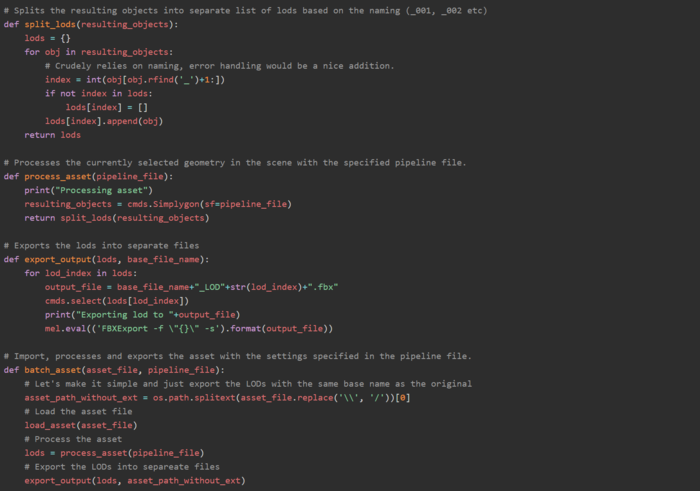
Batching assets using headless Maya
Simplygon has a native plug-in within Maya that can handle exporting and importing assets. This is not only useful when you are working within the Maya UI, but can also come in handy if you want to batch process many assets and use the built-in functionality in Maya. In this post we will sho how you can set up a simple batch script that runs headless in Maya.
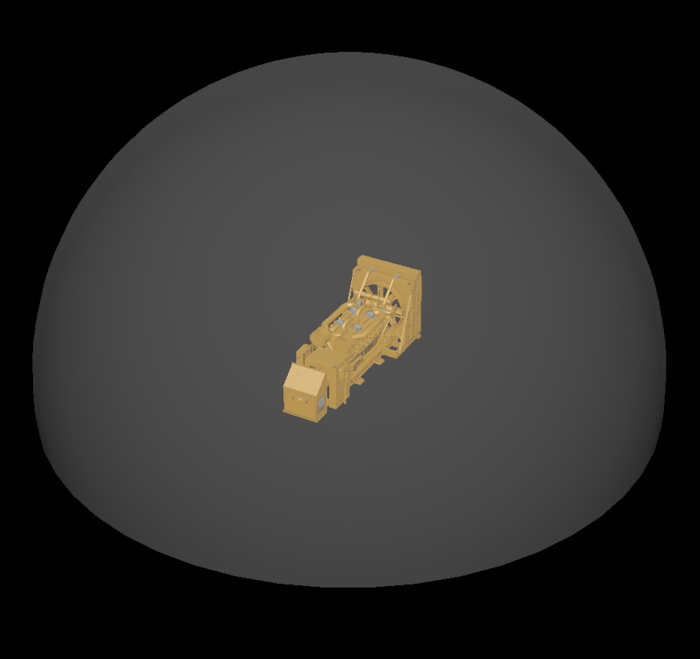
Visibility sphere
Using a visibility sphere can be a great way to save some polygons on assets that are not going to visible from all angles. In this article we will go through how you can use the SetCustomSphereCameraPath function in Simplygon to take away unnecessary polygons.
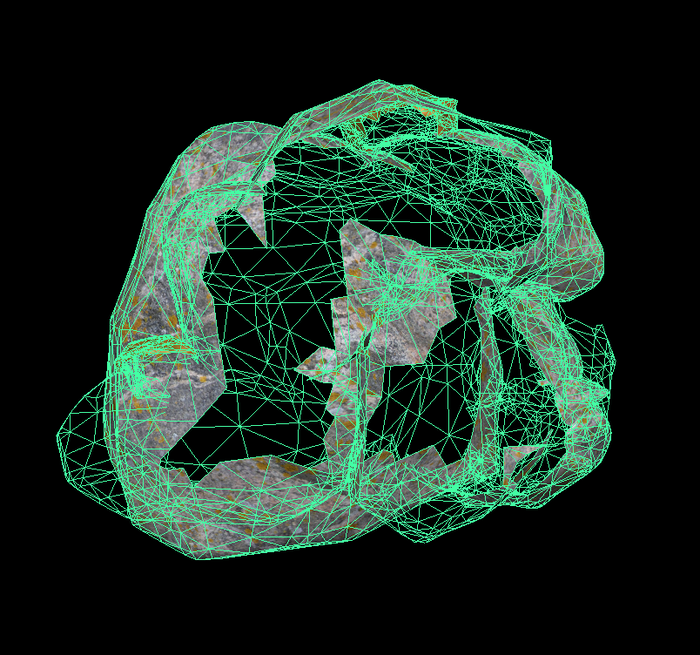
Volumetric culling
If you, like most others, are using kit bashing workflows when you are designing your levels volumetric culling can be really useful. This method will help you get rid of internal geometry, without affecting the exterior, nor require you to generate new materials. Apply it to assets that are built up from several small pieces and you will get rid of a lot of internal geometry, that's just hogging performance. In this post we will look deeper into this method.
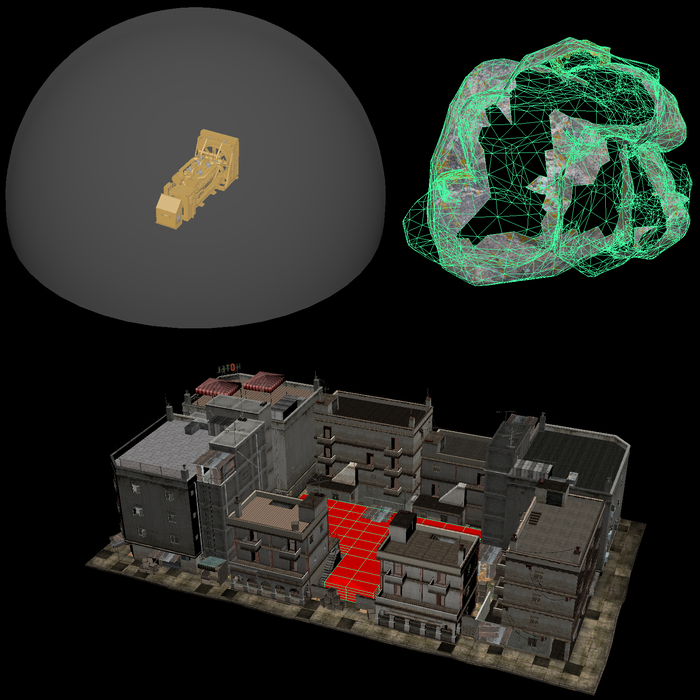
Geometry culling overview
In the Simplygon SDK you can find a range of options in the area of geometry culling. You can cull geometry volumetrically, use custom cameras, distribute cameras along a spherical surface, use occluders and clipping geometry. All these options can be combined in different manners to achieve the results that you are looking for. In a series of posts we'll go through the different options you have at your disposal. We'll explain how you use them and in what cases the different options comes into play.
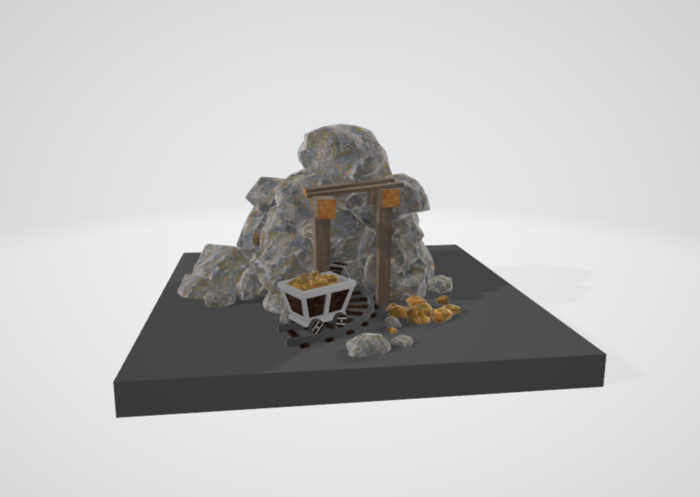
Simple hollow shell script
In this post we will show you how to create a simple python script that generates a hollow shell. This can help you to optimize kitbashed content that typically is riddled with internal geometry which causes all kinds of performance hits. The resulting hollow shell will have all its internal geometry removed, while the object collection looks exactly the same from the outside. Perfect as a final step to clean up your creation and make it game ready.
No posts match your filters
Try a different keyword, or clear the active filters to see every post.