Blog
When optimization gets practical
Customer stories, technical guides, and deep dives into 3D content optimization pipelines.
Categories
Tags
Search results
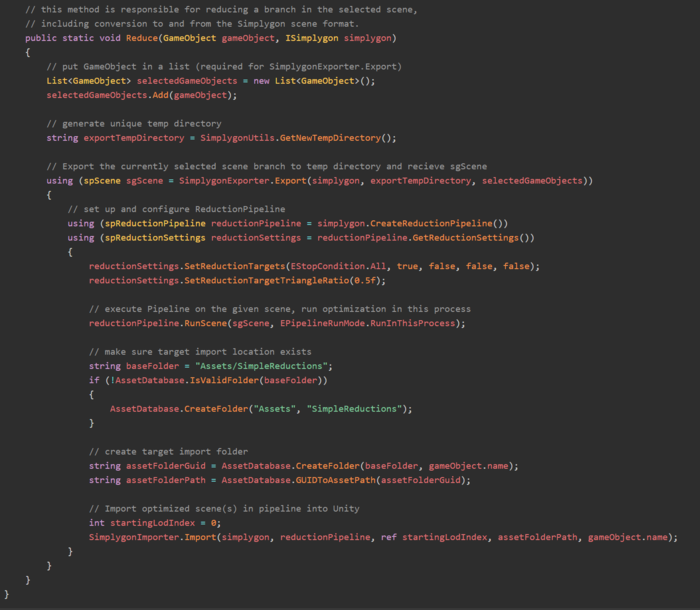
A simple reduction script in Unity
This example goes through how to setup a simple reduction script in Unity.
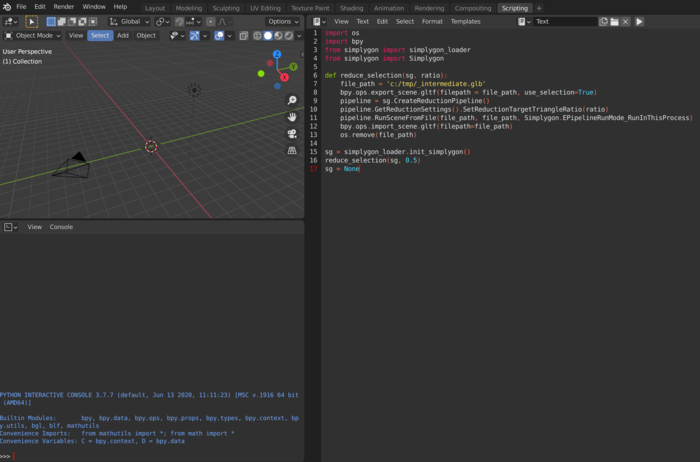
A simple reduction script in Blender
This blog will give you a simple starting point into scripting with Simplygon's Python API in Blender.
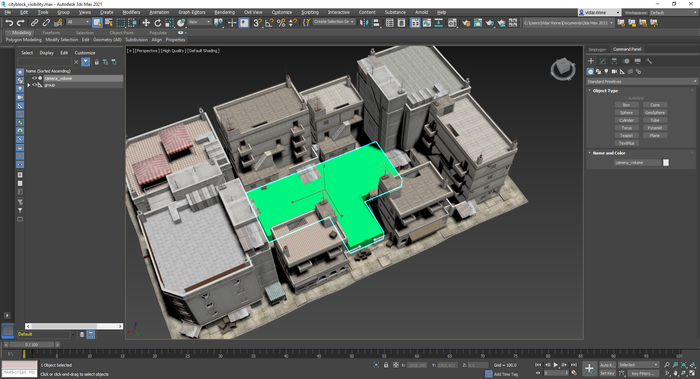
Visibility culling through generated cameras in Max
This (Python) example demonstrates how to use the Visibility Culling feature to remove geometry that is not visible from a specific set of cameras. The cameras are automatically generated by Simplygon based on a user-specified visibility volume / geometry.
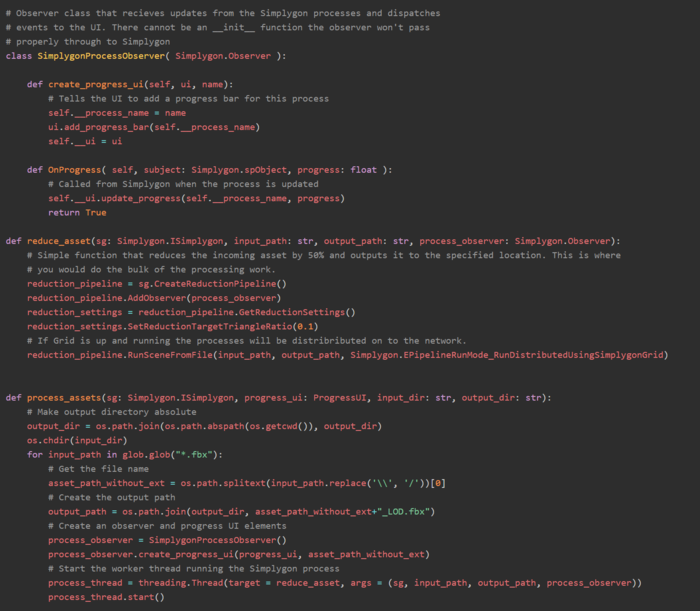
Scripting a Python batch processor with distribution and progress observing
A crucial part of an automatic pipeline is the ability to distribute processes. With that you can complete large batches of assets much faster than if you're running them on a single machine. Distribution is a first class citizen of the Simplygon API, and in this post we will explore how to build a simple distribution over Simplygon Grid using Python.
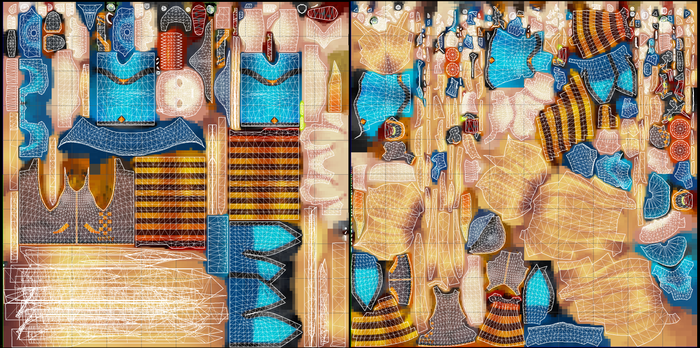
Comparing material casting and aggregation
In Simplygon, you have two different options when it comes to transferring materials from source to optimized geometry. You can either cast the materials pixel for pixel, or merge the materials using the existing UVs. This makes for some interesting choices that we will explore in this post.
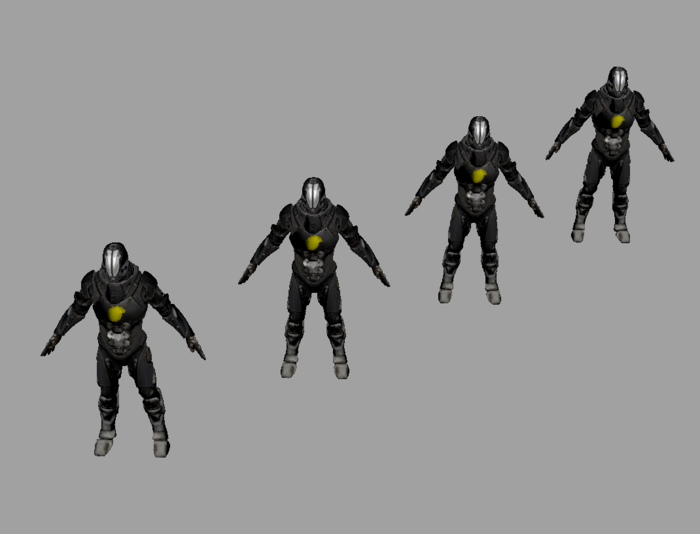
What to think about when it comes to LOD transitions
Balancing performance with visual quality by making sure the triangle budget of the LODs end up in the right place.
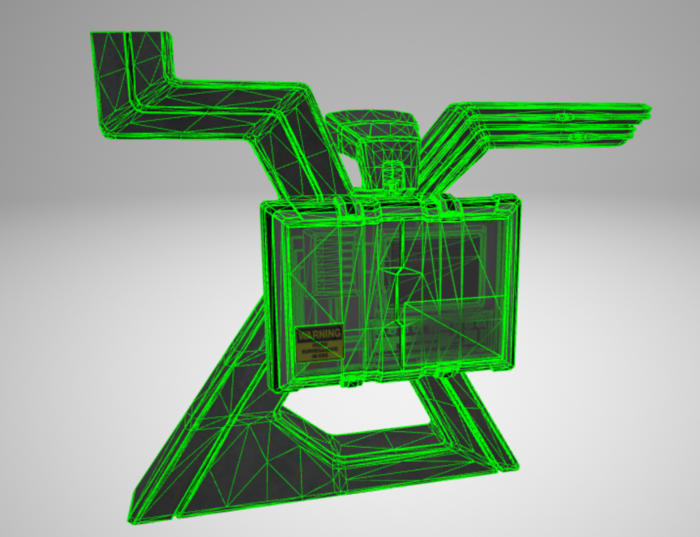
Automatic material casters with glTF in C++
If your asset pipeline holds different material setups for different assets, it can be useful to know how to make Simplygon cast materials correctly without having to know the exact setup for each asset. In this post we will guide you through a way of detecting and applying the correct material casters based on the input materials of the loaded scene. This guide is for the glTF file format, and different options is likely to be required for other file formats.
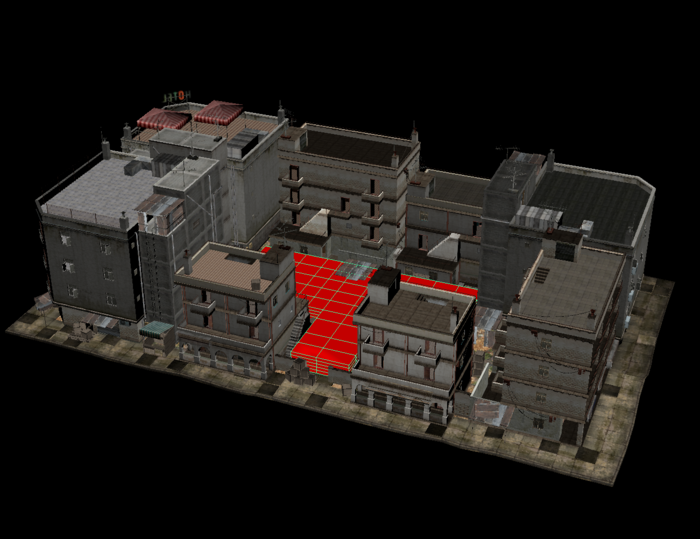
Culling geometry with camera volumes in Python script
In cases where you know from which angles an asset will be viewed, you can use that information to optimize the assets accordingly. For example, side scene geometry in the level that's only going to be seen from the playing field. Rather the building assets custom for that case, you could just use what you got and optimize it through cameras scattered in the player area. You can instruct Simplygon to cull anything fully occluded, but the visibility information can also be guide the reducer and the material caster to keep more where the geometry is most visible.
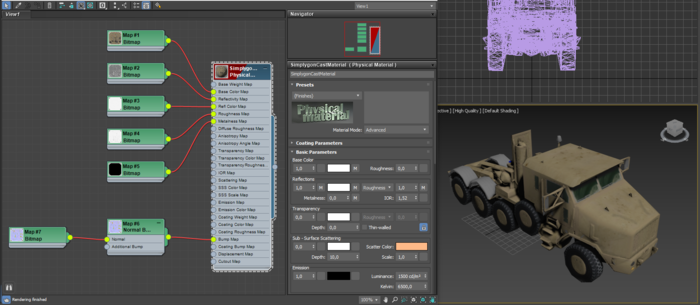
Simple remeshing scripting in 3ds Max 2021
This blog post will show you how to write a simple remeshing python script in 3ds Max 2021, using the new Physical Material system.
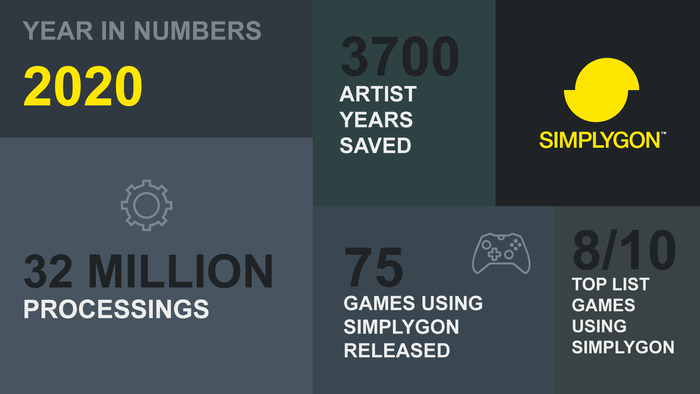
TwentyTwenty - A year in review
We're closing the book on a quite different year. A year filled with challenges. We all have had to figure out how to work within this new environment. At Simplygon we had big plans for this year, both in terms of development and presence at conferences and events. The latter we had to scratch, but their has been no brakes on our product development. In this post we'll go through what we added to the SDK over the last year.
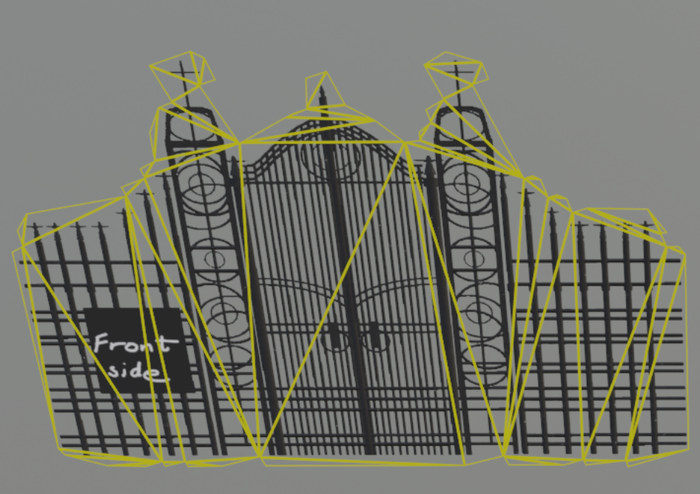
Billboard cloud mode: Outer shell
The billboard cloud aims to replace the objects in a scene with a view independent set of billboards. The Billboard mode: Outer shell makes the planes fit to the outer shell of objects, as opposed to Billboard mode: Foliage.
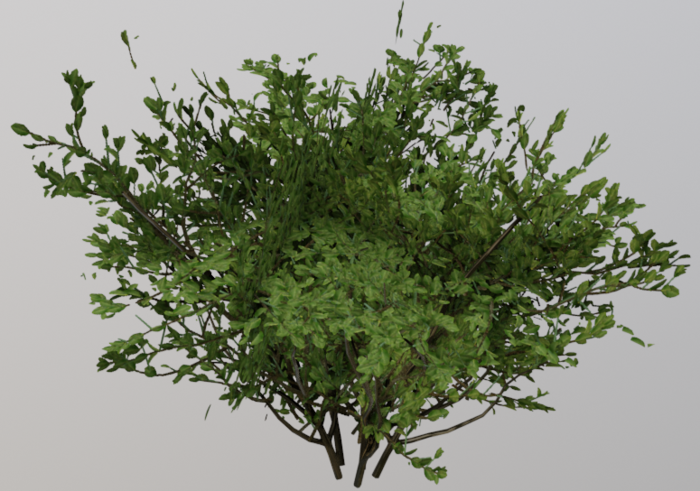
Impostor: Billboard cloud for vegetation
The billboard cloud aims to replace the objects in a scene with a view independent set of billboards. For vegetation assets the "Billboard mode" should be set to "Foliage" . This mode allows the billboards to represent the foliage volume with intersecting planes. The leaves should map to the billboards in a manner that keeps the perception of volume and silhouette close to the original tree.
No posts match your filters
Try a different keyword, or clear the active filters to see every post.