Blog
When optimization gets practical
Customer stories, technical guides, and deep dives into 3D content optimization pipelines.
Categories
Tags
Search results
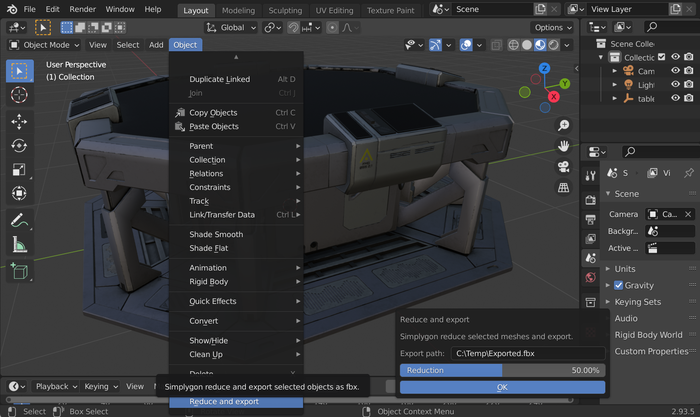
Create a Blender Add-on for your Simplygon pipeline
In this post we will take the script created in previous blog post and turn it into a simple Blender Add-on with a basic user interface. That allows us to easily share it and makes it easy to use for non-programmers.

Customer Story: How Simplygon enables large scale optimization in Flight Simulator
The Flight Simulator game is in many aspects very complex from a rendering and data perspective in comparison with other games. The vast view distances, the detailed landmarks and the whole world as playable area makes the asset optimization strategy a very important part of the game production.
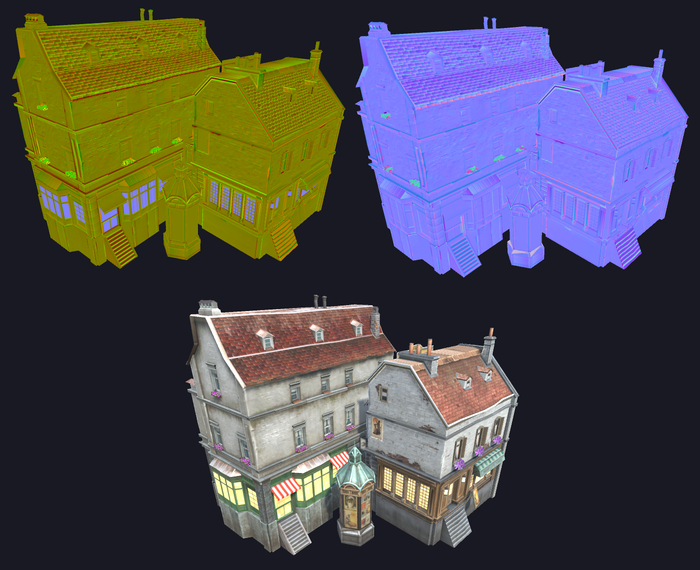
Use shading network to recreate normal maps
This example show how you can use shading networks to recreate a normal map that had it's blue channel removed.
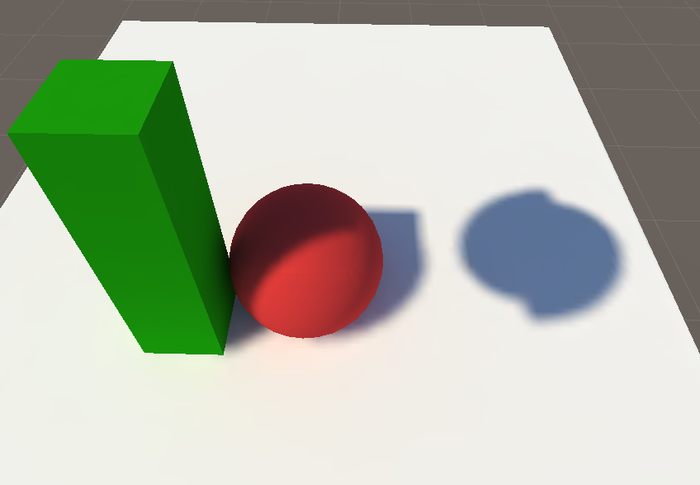
Custom material casting using mapping image
In this example we'll show how you can use the mapping image directly to do a custom material casting.
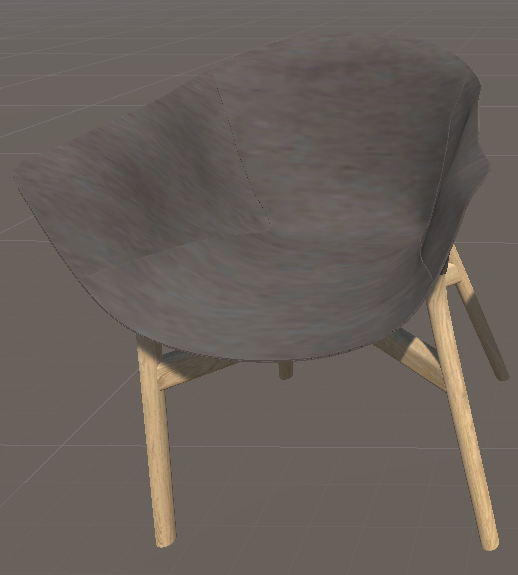
Use geometry data caster to change materials on a remeshed asset
In this example we'll show how you can use geometry data casting to change materials on a remeshed asset in runtime.
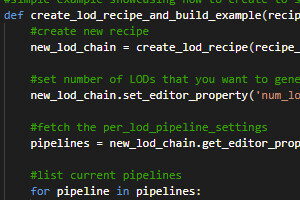
Automating Simplygon workflow in UE4 using Python
The following article covers the basic of how to automate your Simplygon driven content pipeline using python in UE4
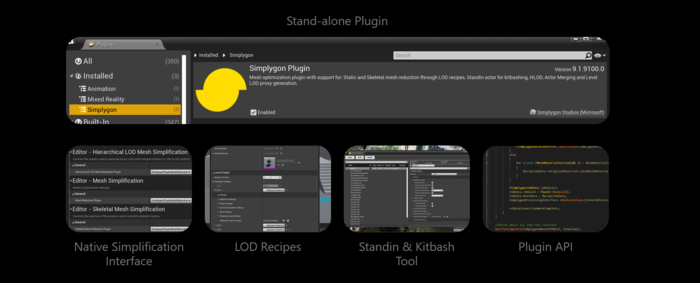
Unique optimization capabilities added by the Simplygon UE4 plugin
We get a lot of questions about our new UE4 plugin and what it provides for the user? So what exactly does our plugin provide that UE4 doesn't already have? That is exactly what this blog post is about, to hopefully make it a bit more clear what unique capabilities our UE4 plugin has to offer your project.
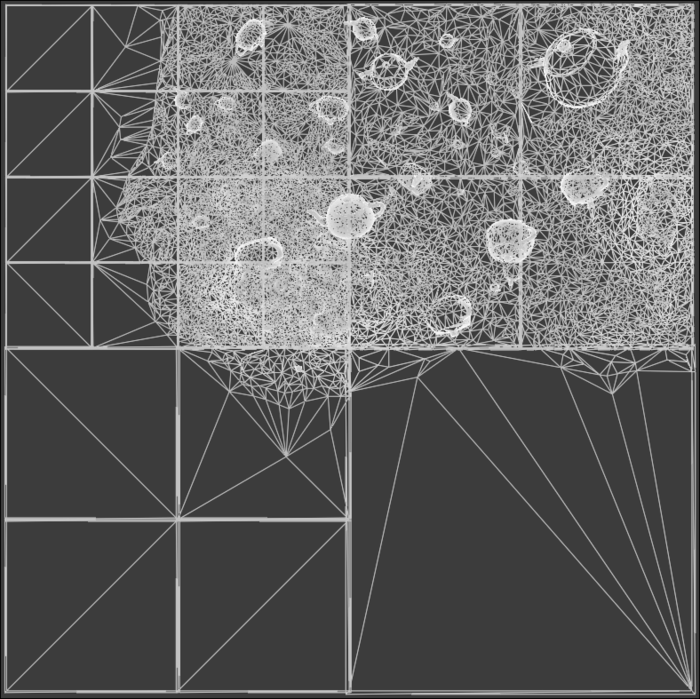
Remeshing terrain chunks for hierarchical LODs in C++
In this example we will discuss how to utilize the remeshing processor for generating a grid of HLOD terrain chunks from a large terrain input geometry. In doing so, we'll go over some basic geometry manipulation, remeshing fundamentals, and advanced usage of some remeshing processor functionality.
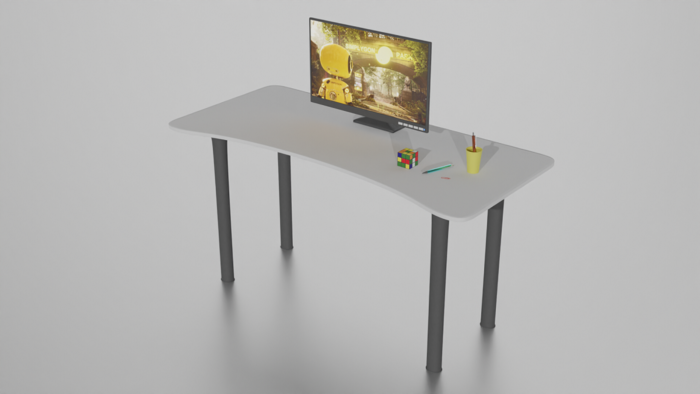
Multiple Reduction targets and Stop conditions
Running reduction with multiple Reduction targets and Stop conditions can be a flexible way to run the same reduction settings on a batch of assets targeting a certain quality while simultaneously enforcing a strict performance goal.
Using custom shaders in Unity
In this example we'll show how you can use material casting with a shading network to optimize a custom shader.

Optimizing 3D scans with Simplygon
Want to make those scanned assets more lightweight and ready to be used in your game or web application? This post will show how you can use Simplygon's remesher to produce heavily optimized versions of your scan data. It will also dig in on how to create a repeatable pipeline with which you can process large amounts of similar assets.

A simple Python remeshing
This post will give you a simple starting point for a remeshing script. We'll show how to turn an untextured glb asset, with material colors, into a textured proxy.
No posts match your filters
Try a different keyword, or clear the active filters to see every post.