Blog
When optimization gets practical
Customer stories, technical guides, and deep dives into 3D content optimization pipelines.
Categories
Tags
Search results
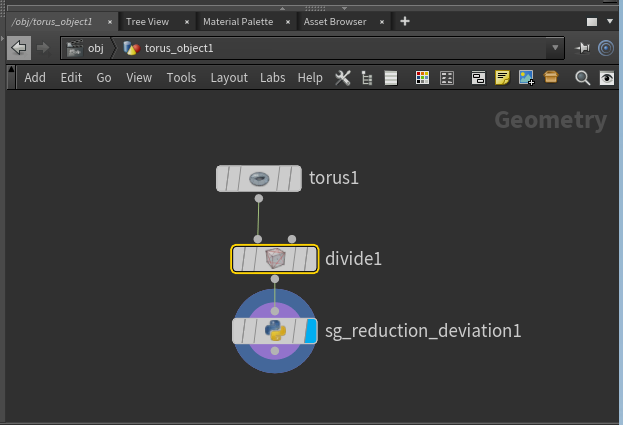
Getting started with custom Simplygon nodes in Houdini
This post will demonstrate how to access the Simplygon Python scripting API through our Houdini plugin. We are going to create a custom geometry node running Simplygon's reduction processor and pass parameters from Houdini's UI to it.

Customer story: LOD Authoring in Forza Horizon 5
In this post we will show how Forza Horizon 5, the latest award-winning open world racing game from Playground Games, is using Simplygon to run smoothly.
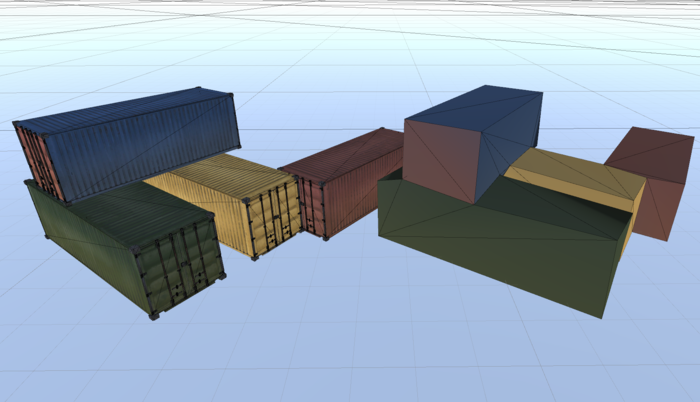
Bake textures into vertex colors
In this post we are going to bake textures into vertex colors. This is useful for LODs which are really far away, where we just want some color. In order to do this, we need to disable sRBG on all texture nodes in the scene. So we'll cover how to traverse shader network as well.
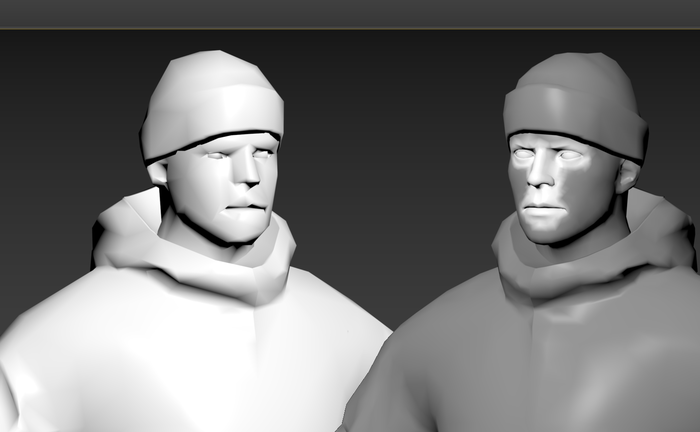
Demystifying vertex colors in 3ds Max
In this blog post we are going to optimize a game character in 3ds Max. We are going to use two sets of vertex colors; one which the game utilized and one which control the reduction.
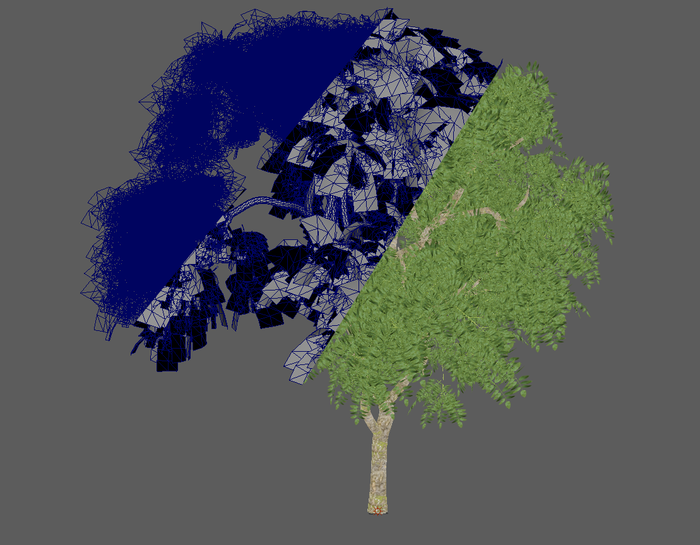
Manually separate trunk during vegetation optimization
Simplygon has a pipeline specific tailored for vegetation optimization; Billboard Cloud for Vegetation. One of its features is an automatic trunk detector which can separate out the trunk from all leaves and run it in a separate reduction processor. However for this blog post we are going to do that manually to increase our control over the processing.
How to detect broken assets with scene validation
A lot of unexpected Simplygon behavior is caused by broken assets. This blog post is about how to use our scene validator to validate your assets.
Bake material data into textures for Unity physics meshes
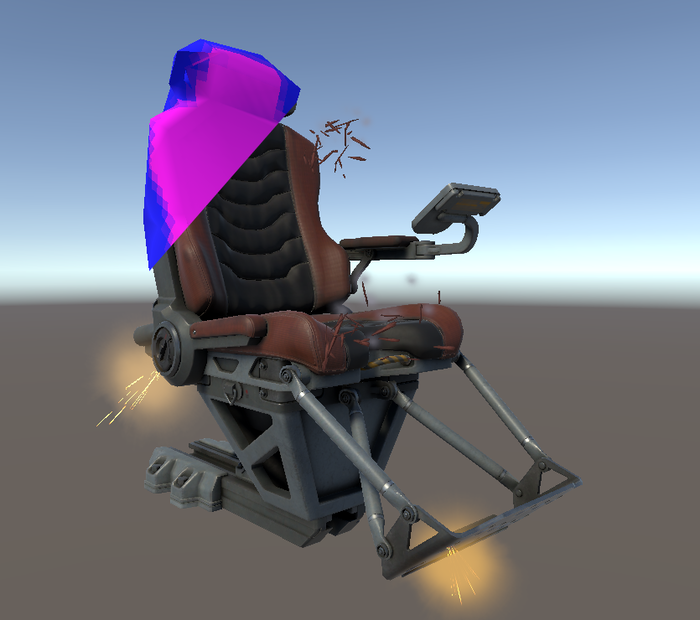
Physics meshes are used in almost every 3d game. It is also very common that we want to know the different materials of the physics object for spawning certain impact effects. In this post will showcase how to optimize a physics mesh and keep material data in Unity as a texture.
Your first remeshing in 3ds Max
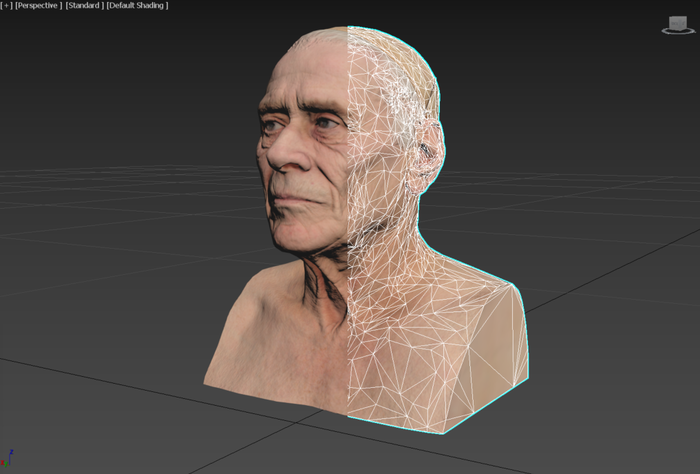
In this post we'll introduce how to use the Simplygon plugin for 3ds Max and use it to remesh a very high poly model.
How to remesh your house with Simplygon
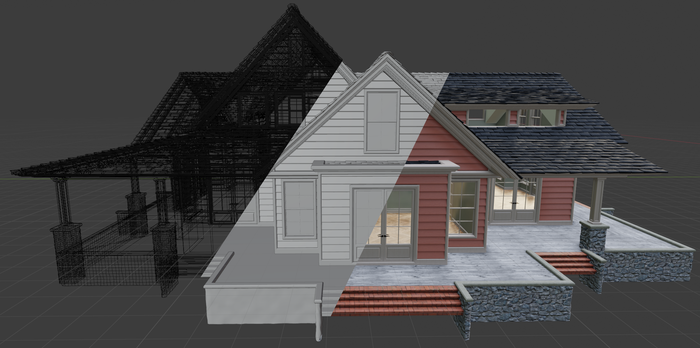
There are many objects which have different types of materials; both transparent and opaque. Remeshing these with Simplygon requires extra care if one wants to preserve the transparency. In this example are going to optimize a house with glass windows, a quite common asset in many games.

What's new in Simplygon 9.2
In Simplygon 9.2, we have lots of new features for you to explore! With improved logging and a more extensive scene validation it is easier to detect and solve potential issues in your content. For those of you using 3ds Max we added support for morph targets, a set of new material nodes and Max 2022 support. Last but not least, 3ds Max and Maya plugins are now open sourced on GitHub!
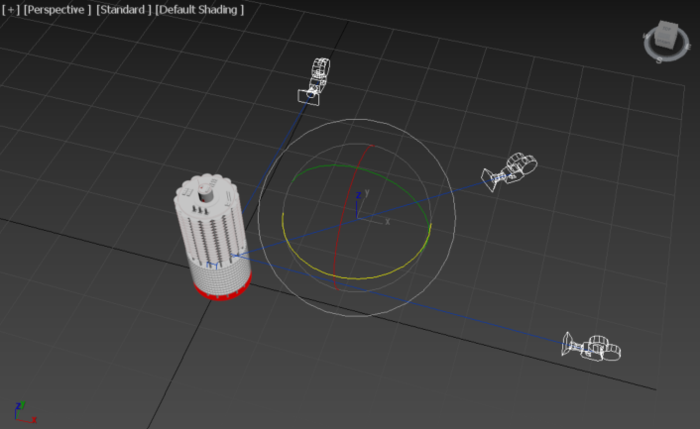
Visibility culling via 3ds Max's user interface
In many games the players movement is restricted to a certain volume, that means some object will only be visible from certain angles. That is where optimization through visibility culling comes in. In this post we'll show how to use it in 3ds Max.
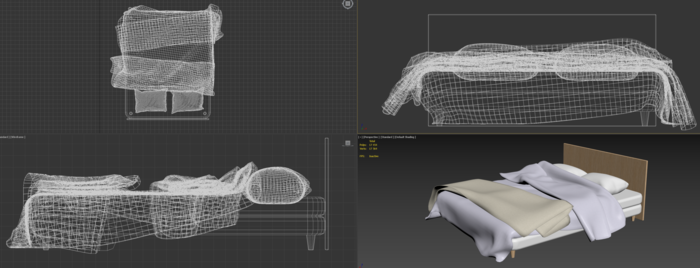
Remeshing interior design assets in 3ds Max
In this post we will create a proxy for an interior design asset using the 3ds Max Simplygon plugin. We will both use the basic remeshing with material baking template but also the advanced remeshing template to unlock some advanced optimization settings.
No posts match your filters
Try a different keyword, or clear the active filters to see every post.