Blog
When optimization gets practical
Customer stories, technical guides, and deep dives into 3D content optimization pipelines.
Categories
Tags
Search results
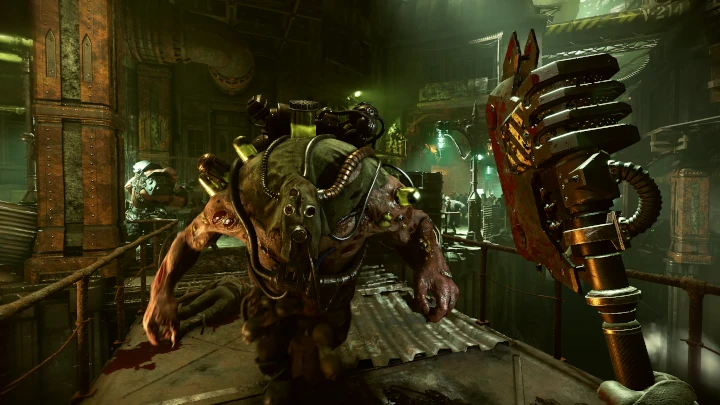
Customer Story: Warhammer 40,000: Darktide
For this customer story we'll share the talk we did at GDC 2023 together with Fatshark. We'll cover the basics of 3d optimization and then how those concepts where applied in the making of Warhammer 40k: Darktide.
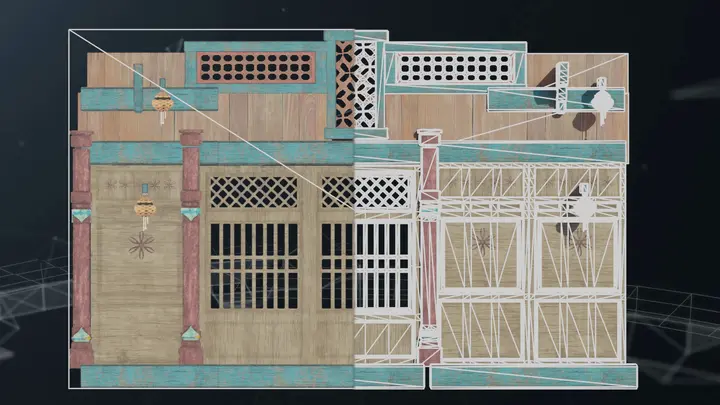
A look at impostor from single view in Unity HDRP
In this blog post we will take a look at how material casting for Unity HDRP render pipeline allows us to create extremely lightweight impostors. We are also going to cover how to hide LOD pops with cross fading.

Troubleshooting material baking in Unreal Engine
In this blog we'll look at different issues with material baking in Unreal Engine and their solutions. As example we will optimize draw calls by create a stand-in replacement of a group of objects. We are going to look at how to reuse UV-space, separate out troublesome material nodes and how to debug texture baking.

How to find correct settings for a scripted pipeline
In this post we'll cover how to find the correct settings for a scripted pipeline by exporting a pipeline created using the user interface.
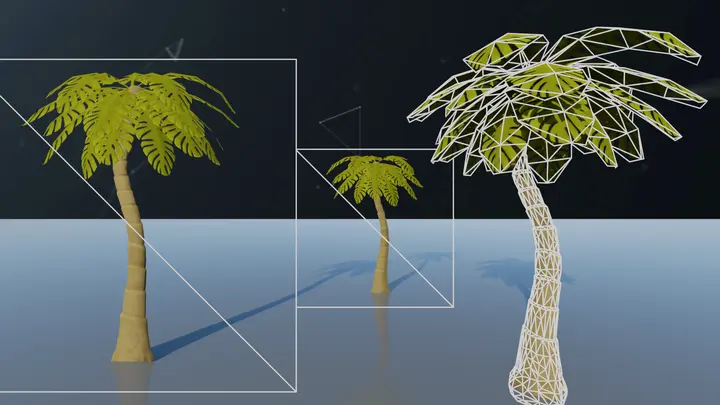
A look at flipbook in Unreal Engine
In this blog we'll have a look at the flipbook impostor and how to use it in Unreal Engine. We are going to cover what the up and down sides of it are as well as some tips and tricks how to change parameters and materials on generated LODs in Unreal Engine.

What's new in Simplygon 10.2
As a Midsummer gift to all game developers we are proud to release Simplygon 10.2! In this release we have worked on core improvements to our remesher, support for Unity's Universal Render Pipeline and High Definition Render Pipeline and lastly support for Unreal Engine 5.2.

Remapping Materials in Blender after Simplygon Processing
Simplygon is using Blender glTF exporter/importer as an intermediate format when processing objects. The glTF importer creates new materials even if identical materials already exist in the scene, resulting in a duplication of materials when reduction processes brought back into Bleder. To overcome this limitation and ensure material continuity, we can employ a Python script that remaps materials from the processed objects to their original counterparts
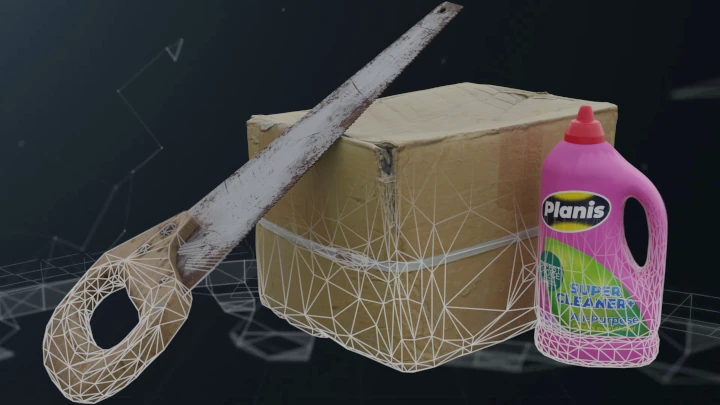
Customize your Simplygon pipelines
This blog will cover how to customize your Simplygon pipelines in 3ds Max, Maya, Unity and Blender. Customizing pipelines allows you to share presets for different kinds of assets with your team. Defining pipelines for different asset categories can be seen as a step to fully automating your asset pipeline.
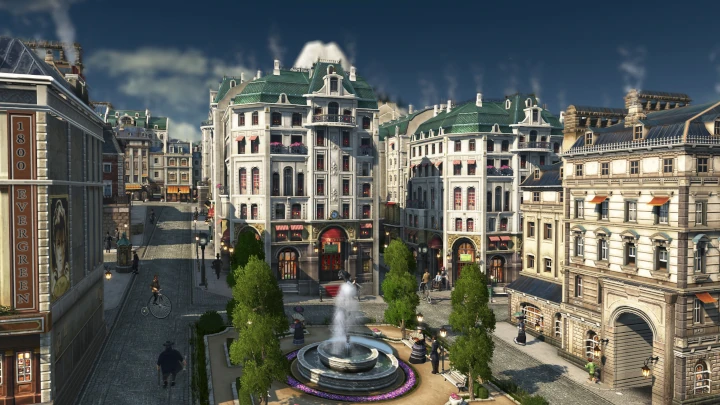
Customer Story: How Simplygon helped bringing Anno 1800 to PS5 and Xbox
Anno 1800 is a city-building game from Ubisoft Mainz that was released in 2019 for PC. It features a massive world with huge islands, dense forests and hundreds of unique and beautiful buildings that form anything from small villages to gigantic cities. There’s a wide range of assets, small fishing huts, noble four-storey-tall residences, breathtaking skyscrapers, factories, monuments and more. Thanks to its great initial success and continuing support of the live-game with DLCs and cosmetic DLCs, the decision was made that the title should launch on console, too. This was a huge undertaking but with Simplygon's help it turned into a great success.
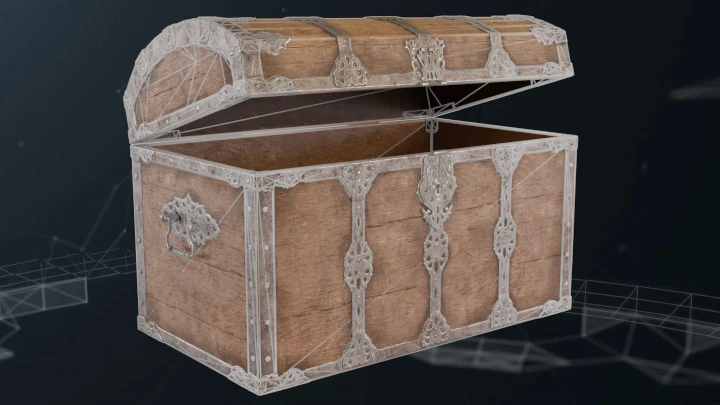
Calculating LOD transitions when using triangle ratio as reduction target
This blog covers how to use GetResultDeviation to calculate when to LOD transition. In normal case we strongly recommend to use screen size or max deviation as reduction target, but if you have a specific need which request reduction ratio or exact triangle count this blog will describe how to calculate when to switch to that LOD. We are going to use this to populate a Unity LODComponent. We are also going cover how to reuse materials from LOD0 automatically.

Bake vertex colors into textures
In this blog we'll look at how to bake vertex colors into textures. Use case for this is certain phot scanned assets where color data is saved into vertex colors. We'll look at how to do this with both the remesher and aggregator pipeline. We'll also cover how to create a shading network for vertex colored materials as well as how to remove vertex colors from model post processing.
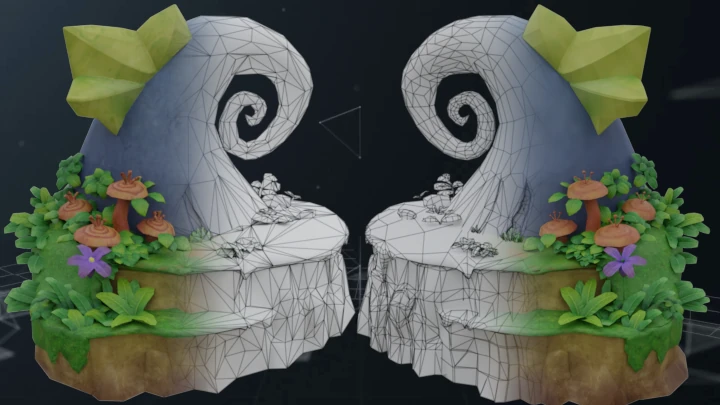
Aggregation and remeshing - Evaluating the best method for proxy creation
After reading this blog post, you will have a framework to evaluate the best method to create proxies for your game. The post will compare the remeshing and aggregation methods for generating proxies for your asset collection, and delve deeper into how to decide which method is best for your game.
No posts match your filters
Try a different keyword, or clear the active filters to see every post.